Loading…


Loading…
Free photo resizer
Make any photo 16:9 (1280x720) for YouTube thumbnails, slides and desktop wallpapers without cutting it off. Free, no sign-in, right in your browser.
No sign-in, no watermark. Your photo stays on your device.
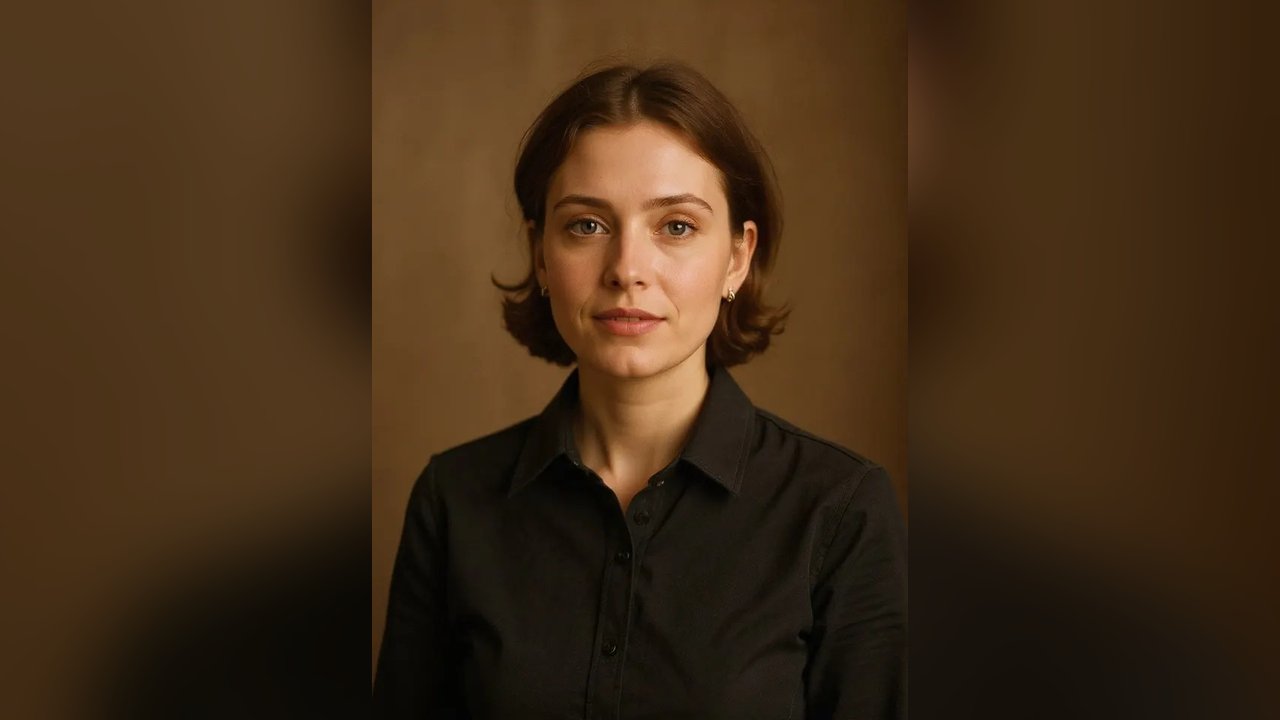
16:9 is the wide shape of YouTube videos, TVs, laptops and slides. YouTube recommends 1280 by 720 pixels for thumbnails, which is what you get here. A phone photo is tall, so it needs a background on the sides or a crop.
Fit keeps the whole photo and puts a soft blurred copy behind it, so nothing is cut off. Fill covers the whole frame, and you slide the photo up or down to choose which part stays in.
Choose any photo, wide or tall.
Fit the whole photo on a blurred background, or fill the frame and slide to pick the crop.
Download a 1280x720 JPG. Free, no watermark, nothing is uploaded.
Yes. The resizing runs on your own device, so it costs us nothing. No sign-in, no credits, no watermark.
No. Your photo never leaves your device.
Most phones open HEIC fine here. If yours doesn't, convert it with our free HEIC to JPG converter first.
No. You get a clean 16:9 image, ready to add text in any editor.
Flowood is an independent tool. It is not affiliated with TikTok, Instagram, or the creators or artists behind this trend. This tool runs on your device; no AI is used.