The Tiny Desk AI trend is a short video of you singing at a cozy office concert: a band squeezed behind a desk, shelves of books and records, warm lamps and a backup singer swaying along. Almost everyone posts it with "Outstanding" by The Gap Band, timed so the chorus hits on the big note.
You only need one clear photo of your face. Here is how to make yours and line up the song.
Open the Tiny Desk AI page. Go to the Tiny Desk AI page on Flowood and sign in. Watch the example first: videos have no free preview.
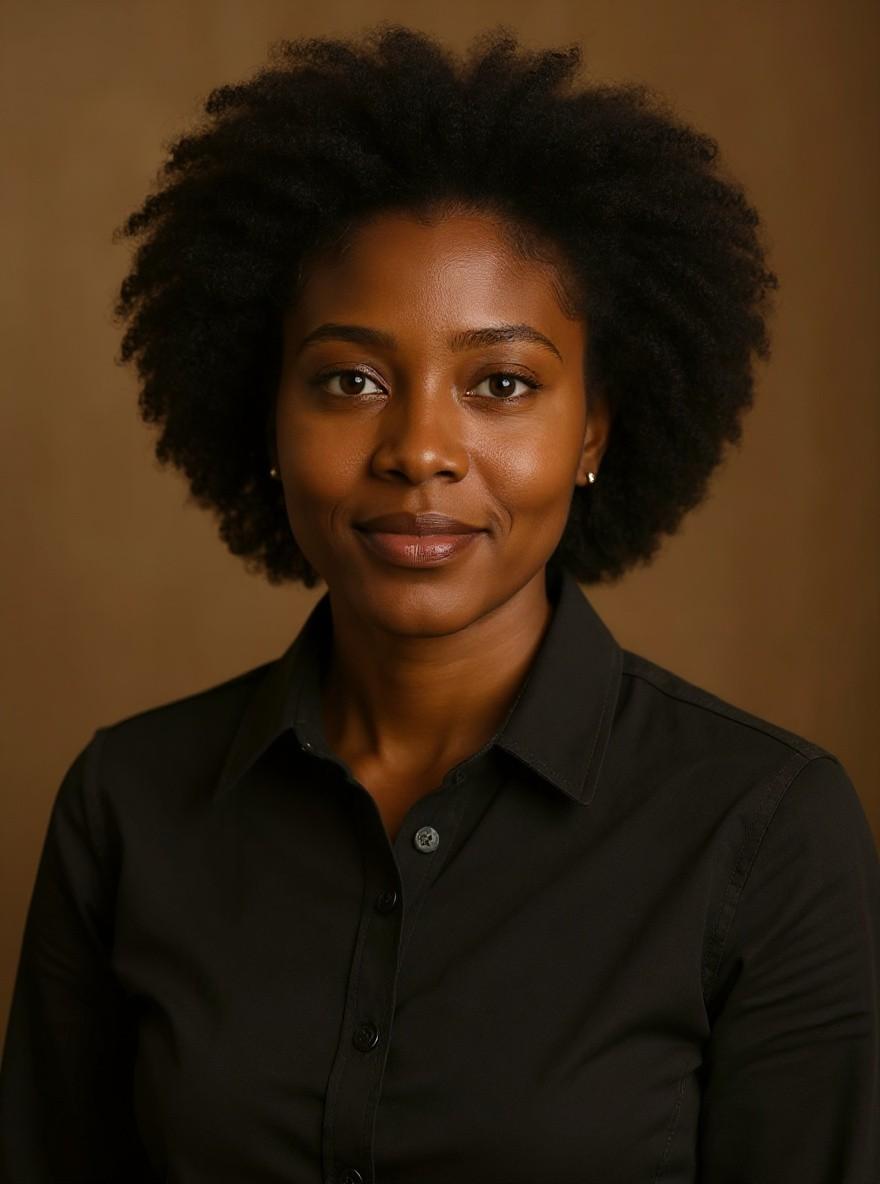
Upload your photo. Pick one clear photo and confirm that the person in it is 18+ and agreed to it.
Make the video. Each video costs 3 credits. Credit packs start at $4.99, with no subscription. It can take a few minutes.
Add the song and post. Download the silent 10-second vertical video, upload it to TikTok, tap Add sound and pick "Outstanding". Slide it so the chorus lands on the high note.
Tips for the best result
Good light on your face matters more than the background: the whole room gets replaced.
Skip sunglasses, hats and group photos.
Play the video once before adding the song to spot the high note, then line the chorus up with it.
Post it
The video is vertical and has no sound, so it fits TikTok, Reels and Shorts as it is. Add "Outstanding" or any other sound inside the app when you post. Flowood never adds music.
FAQ
What song do people use for the Tiny Desk AI trend?
"Outstanding" by The Gap Band. Add it from TikTok's or Instagram's music library when you post.
Is this connected to NPR's Tiny Desk?
No. Flowood is an independent tool. The concert is an original scene built around your photo, with no NPR logos or footage.
Is there a free Tiny Desk AI video?
Not on Flowood. Each video costs us to make, so it uses 3 credits and has no free preview. If a video fails, the credits come back automatically.