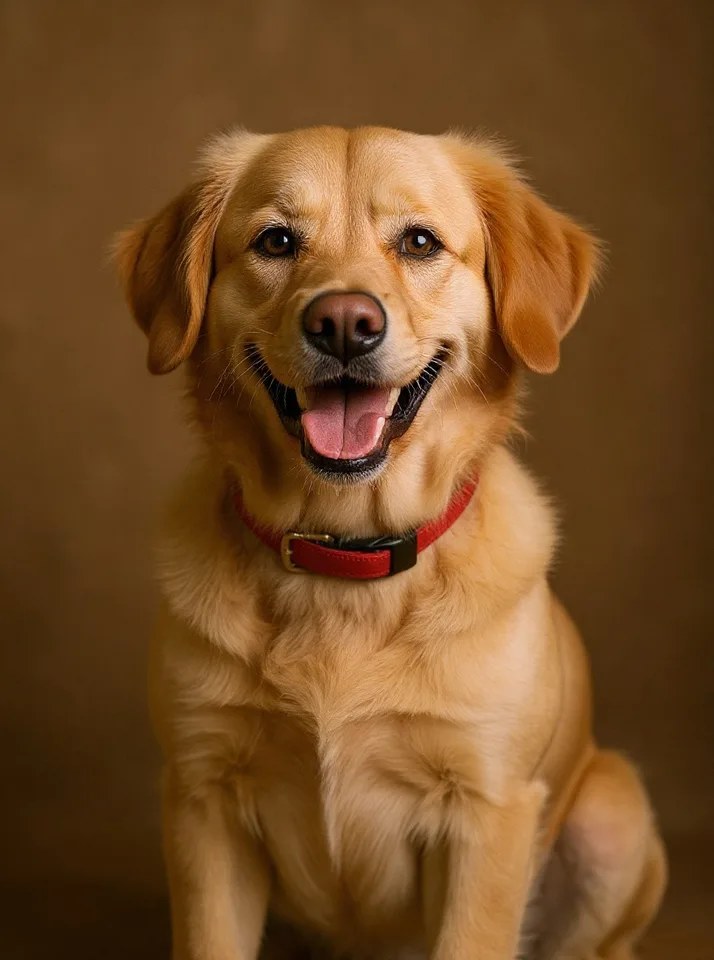
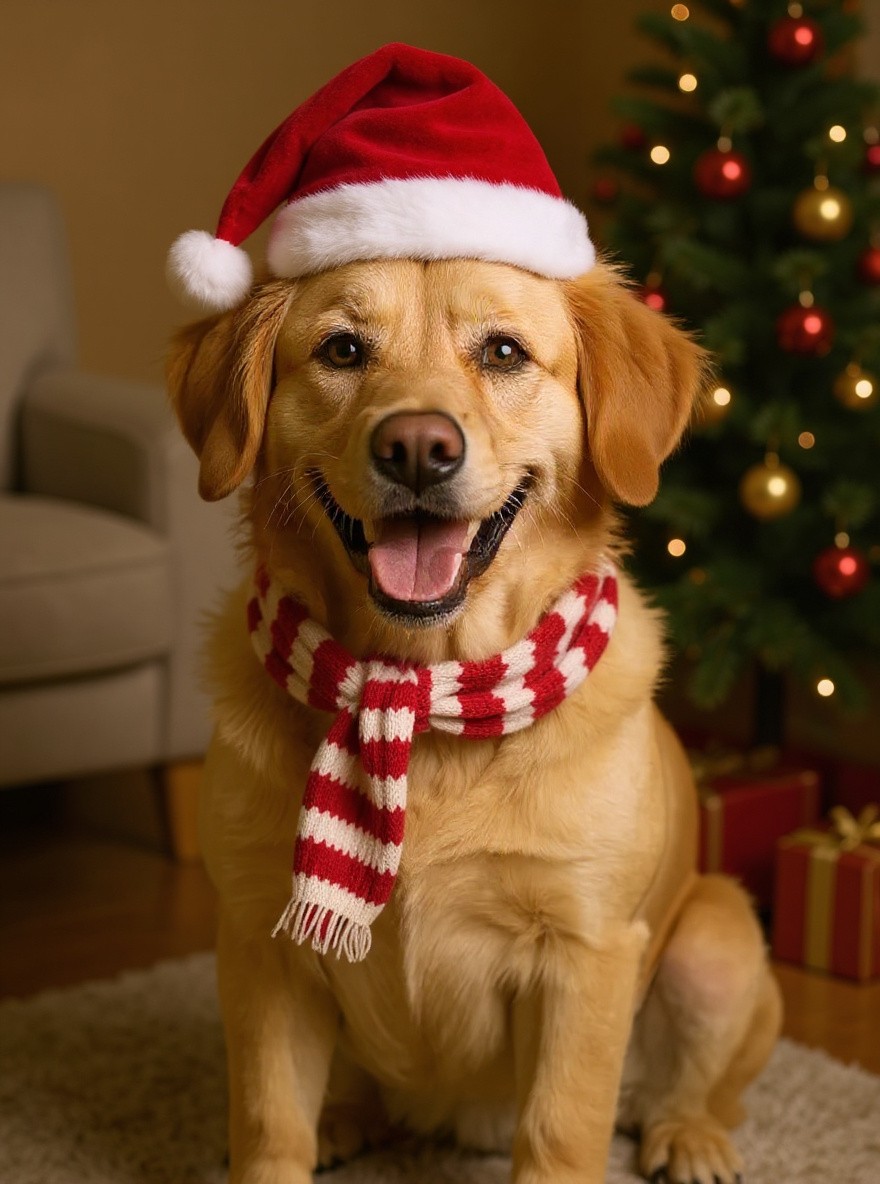
Guides / AI Pet Christmas PhotoHow to make a Christmas photo of your pet A Christmas photo of your pet usually means a lot of treats and a hat that will not stay on. With AI you only need one ordinary photo: your dog or cat gets a Santa hat, a knit scarf and a decorated tree behind them.
Here is how to make yours in time for Christmas cards and holiday posts.
Updated 2026-10-27
Before After Try AI Pet Christmas Photo with your photo What you need One clear photo of your pet, with its face easy to see One pet per photo works best You can be in the photo too, if everyone in it is 18 or older Make it in 4 steps Open the generator. Go to the AI Pet Christmas Photo page on Flowood and sign in.Upload your photo. Pick one clear photo and confirm that you are 18+ and that everyone in it agreed.Check the free preview. You get a low-resolution preview with a watermark. Every account gets 2 free previews.Unlock HD and download. Happy with it? Unlock the full-size HD image for 1 credit. Credit packs start at $4.99, with no subscription.Tips for the best result Get down to your pet's eye level so its face fills a good part of the frame. Daylight shows fur colors best, and the result keeps them. A sitting pet looks the most like a classic holiday portrait. Post it Use the HD image as your Christmas card or a holiday post. On TikTok or Reels, add a Christmas sound inside the app. Flowood does not add music.
FAQ Which pets does it work with? Most pets work. Dogs and cats give the most reliable results.
Can I make a Christmas card with it? Yes. Download the HD image and add it to any card or print service you like.
Does it cost anything to try? No. Every account gets 2 free previews. HD downloads use credits, from $4.99.
Try AI Pet Christmas Photo with your photo Flowood is an independent tool. It is not affiliated with TikTok, Instagram, or the creators or artists behind this trend.