How to Make AI Couple Photos From One Picture | Flowood
How to make AI couple photos from one picture
An AI couple photoshoot turns an everyday photo of the two of you into a golden hour beach portrait with coordinated outfits, like an engagement session without booking one.
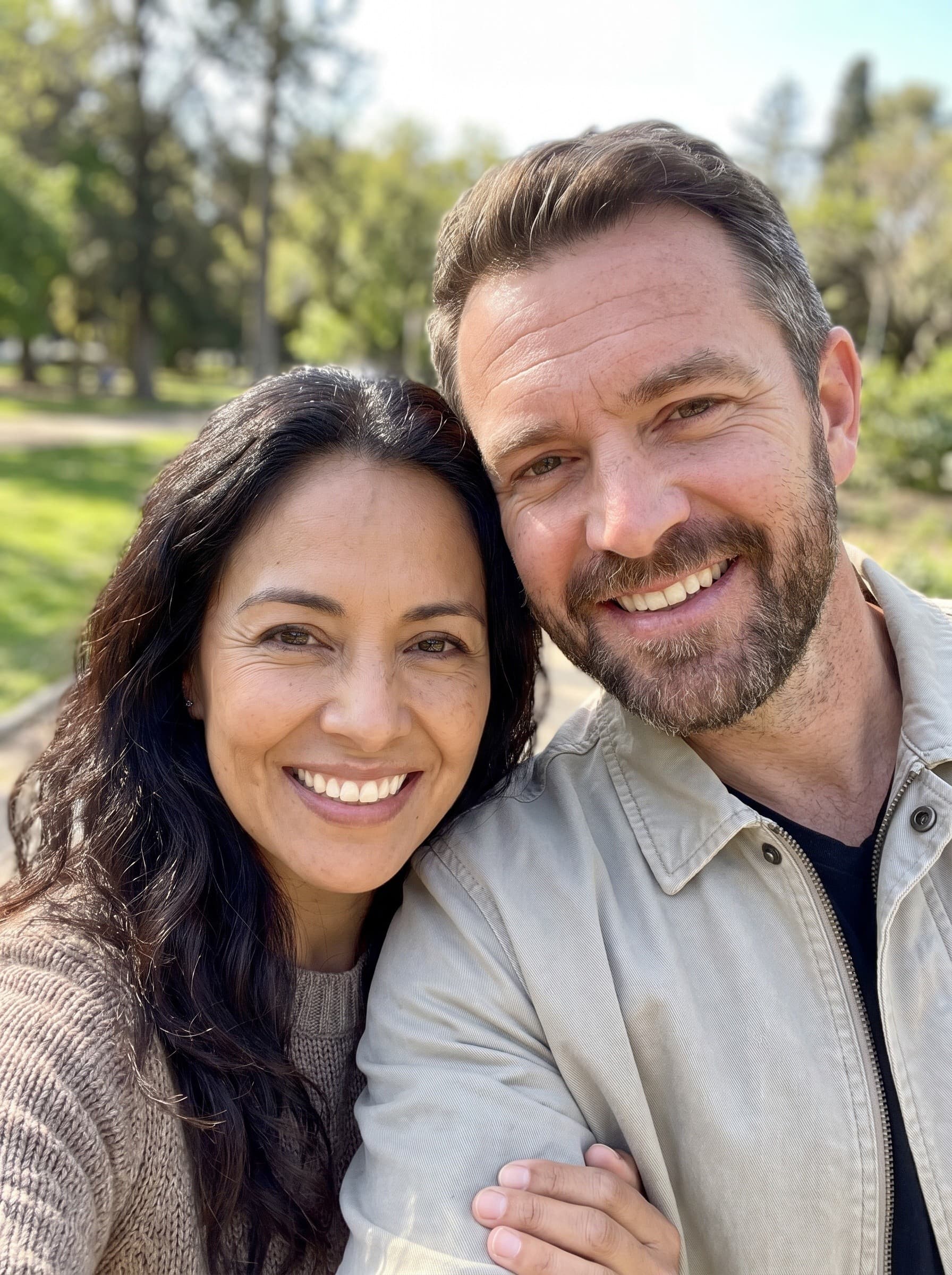
You need one photo with both faces clear. Here is how to make yours for a save the date, an anniversary post or a print.
One photo of exactly two people, both faces sharp and facing the camera
Only photos of you and a partner who agreed
Both of you must be 18 or older
Make it in 4 steps
Open the generator. Go to the AI Couple Photo page on Flowood and sign in.
Upload your photo. Pick one clear photo and confirm that you are 18+ and that everyone in it agreed.
Check the free preview. You get a low-resolution preview with a watermark. Every account gets 2 free previews.
Unlock HD and download. Happy with it? Unlock the full-size HD image for 1 credit. Credit packs start at $4.99, with no subscription.
Tips for the best result
A selfie works if neither face is cut off and both are roughly the same size.
Your outfits and background get replaced, so any everyday photo works.
Avoid photos with a third person in the background.
Post it
Download the HD photo for a save the date, an anniversary post or a profile picture you both like. On TikTok or Reels, add a sound inside the app. Flowood does not add music.
FAQ
Can we use a wedding photo?
Yes, if you both agree. The AI restyles it into a golden hour beach portrait rather than keeping the original setting.
What if only one of us is in the photo?
This photoshoot is built for two people. For a solo portrait, use one of the single-person trends.
Does it cost anything to try?
No. Every account gets 2 free previews. HD downloads use credits, from $4.99.