How to Do an AI Christmas Photoshoot at Home | Flowood
How to do an AI Christmas photoshoot at home
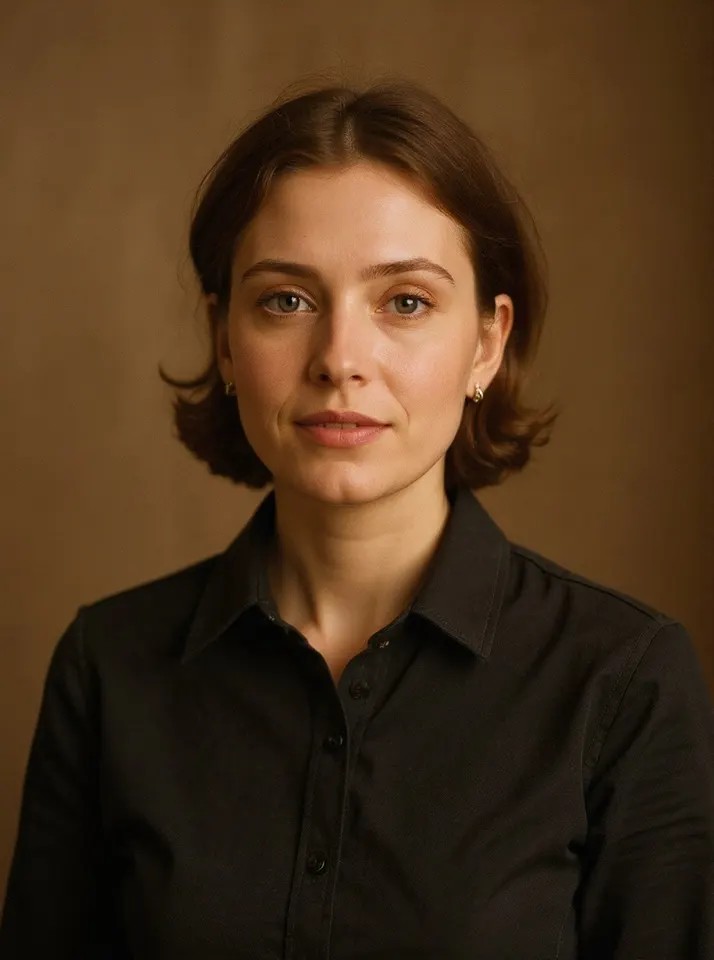
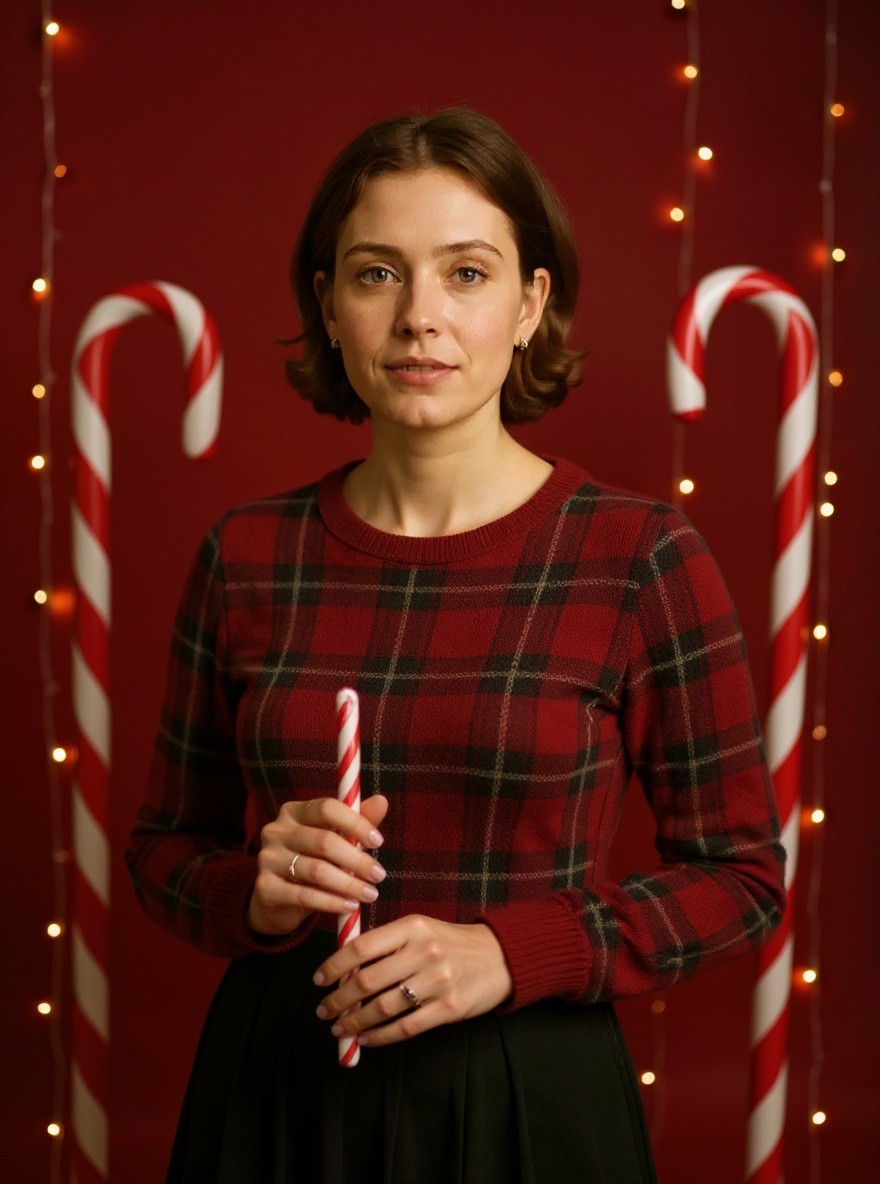
The AI Christmas photoshoot gives you a holiday studio portrait without booking a studio: a deep red backdrop, giant candy canes, presents and warm fairy lights, with you in a festive outfit.
You only need one photo. Here is how to make yours in time for Christmas cards and holiday posts.
Open the generator. Go to the AI Christmas Photoshoot page on Flowood and sign in.
Upload your photo. Pick one clear photo and confirm that you are 18+ and that everyone in it agreed.
Check the free preview. You get a low-resolution preview with a watermark. Every account gets 2 free previews.
Unlock HD and download. Happy with it? Unlock the full-size HD image for 1 credit. Credit packs start at $4.99, with no subscription.
Tips for the best result
Face the camera and include your shoulders: it looks the most like a real studio portrait.
Soft daylight from a window gives the cleanest skin and the best match to studio lighting.
Not happy with the outfit? Run it again: the AI picks a different festive look each time.
Post it
Download the HD image for your Christmas card, profile picture or a holiday post. On TikTok or Reels, add a Christmas sound inside the app. Flowood does not add music.
FAQ
What photo should I start with?
A sharp, front-facing photo of you alone, with your face and shoulders in the frame. Your outfit and background get replaced, so they do not matter.
When is the Christmas photoshoot available?
It is open now and stays open until after Christmas, so you have time to make cards before the holidays.
Does it cost anything to try?
No. Every account gets 2 free previews. HD downloads use credits, from $4.99.