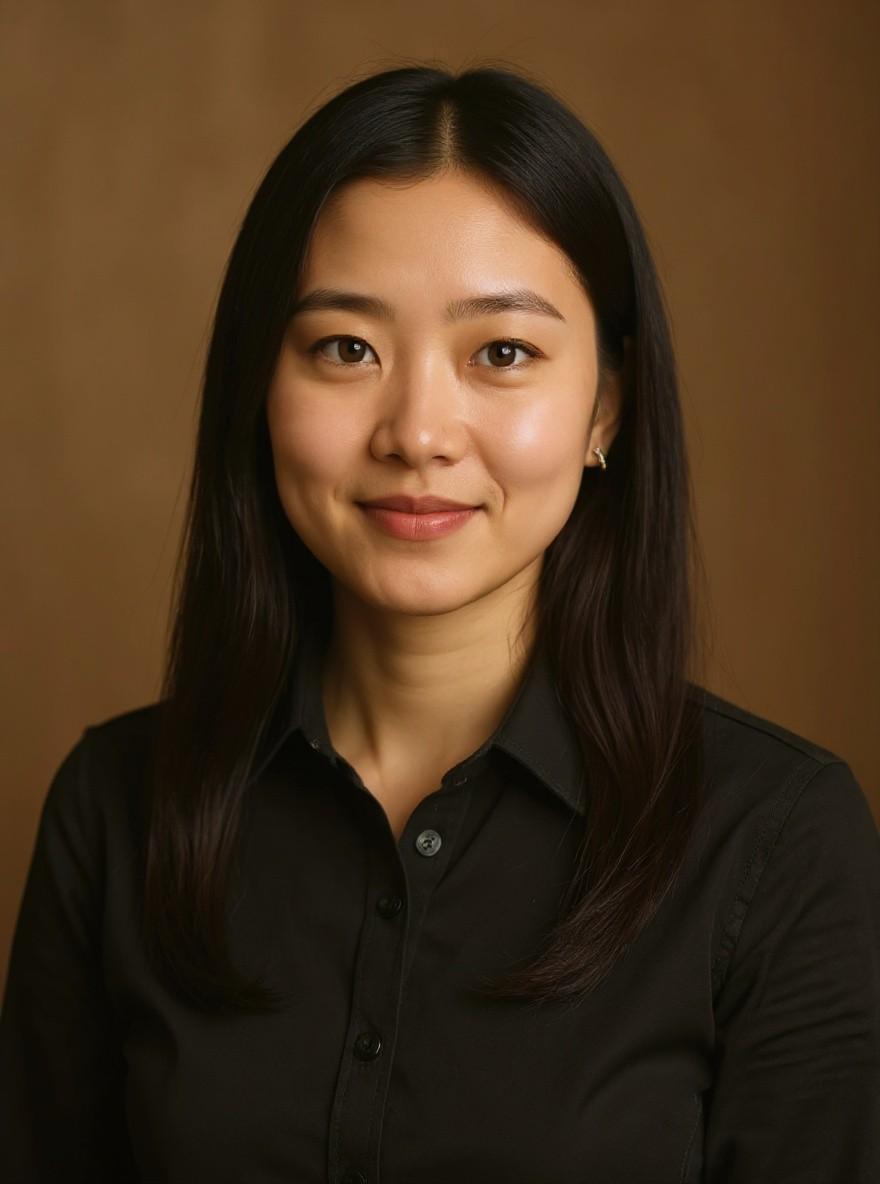
The AI 90s yearbook trend shows what you would have looked like in a 1990s school portrait: the mottled blue studio backdrop, flash lighting, big hair and retro clothes.
Your face and expression stay yours; only the hair, outfit and photo style change. Here is how to make yours from one selfie.
Open the generator. Go to the 90s Yearbook Photo page on Flowood and sign in.
Upload your photo. Pick one clear photo and confirm that you are 18+ and that everyone in it agreed.
Check the free preview. You get a low-resolution preview with a watermark. Every account gets 2 free previews, on single-photo trends.
Unlock HD and download. Happy with it? Unlock the full-size HD image for 1 credit. Credit packs start at $4.99, with no subscription.
Tips for the best result
A plain selfie in soft daylight works best. Skip heavy beauty filters.
Look straight at the camera, like you would for a real school photo.
Try a second preview if you want a different 90s hairstyle.
Post it
Post your selfie and the yearbook portrait side by side, or put the yearbook photo first and let friends guess the year. On TikTok or Reels, add a sound inside the app. Flowood does not add music.
FAQ
Can I make a 90s yearbook photo for free?
You can try it for free: every account gets 2 free previews on single-photo trends, with a watermark. The HD download uses 1 credit, with packs from $4.99.
Do I need an app?
No. It works in the browser on your phone or computer, nothing to install.
Does it make me look younger?
No. Your face and age stay the same; only the hair, clothes and photo style change.